
Build your scenes, tell your story.
Drop in your stills, put them in order, add a note to each, and save the sheet as PNG or PDF.
Free, with no account. Your images stay in your browser and are never uploaded.
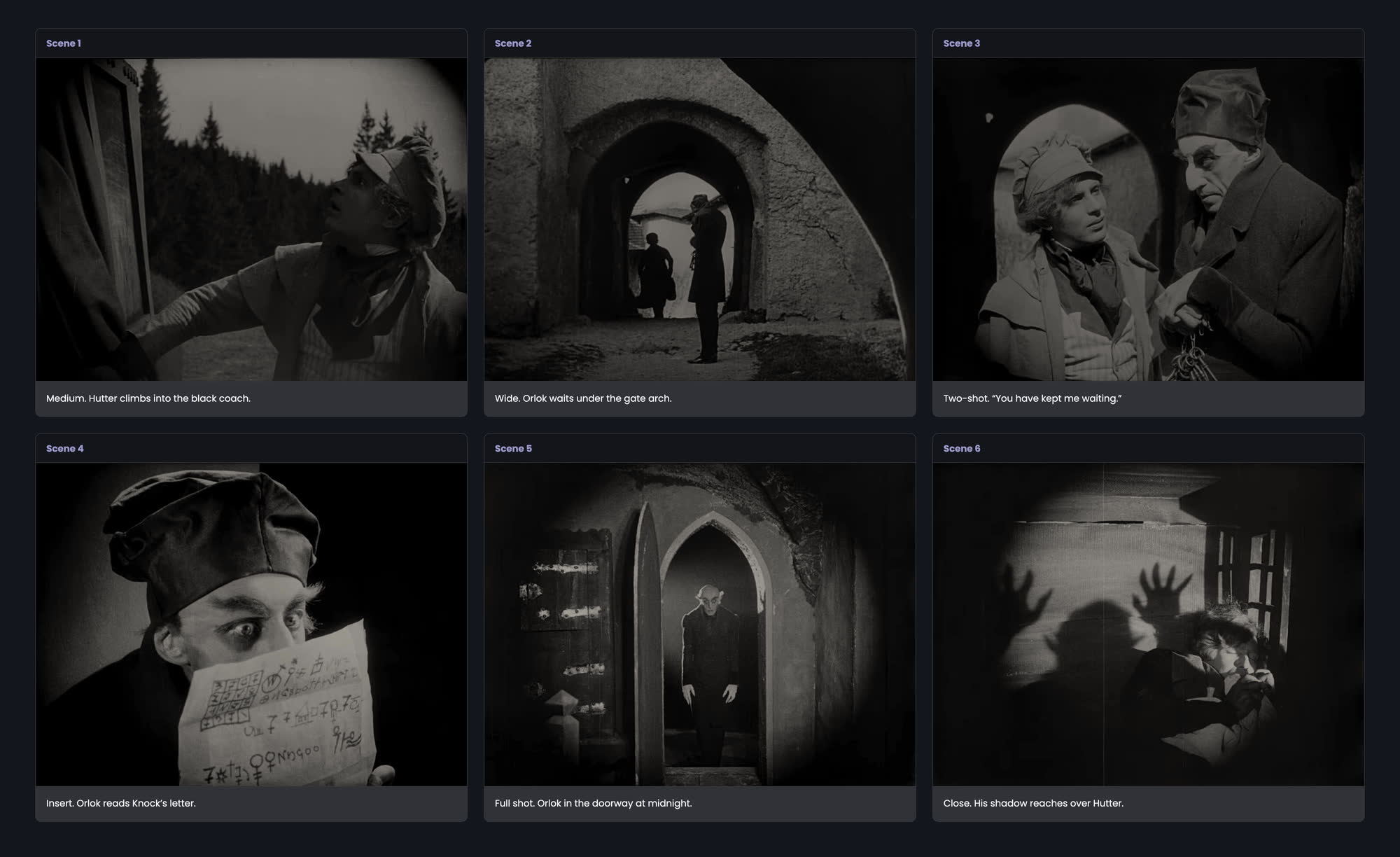
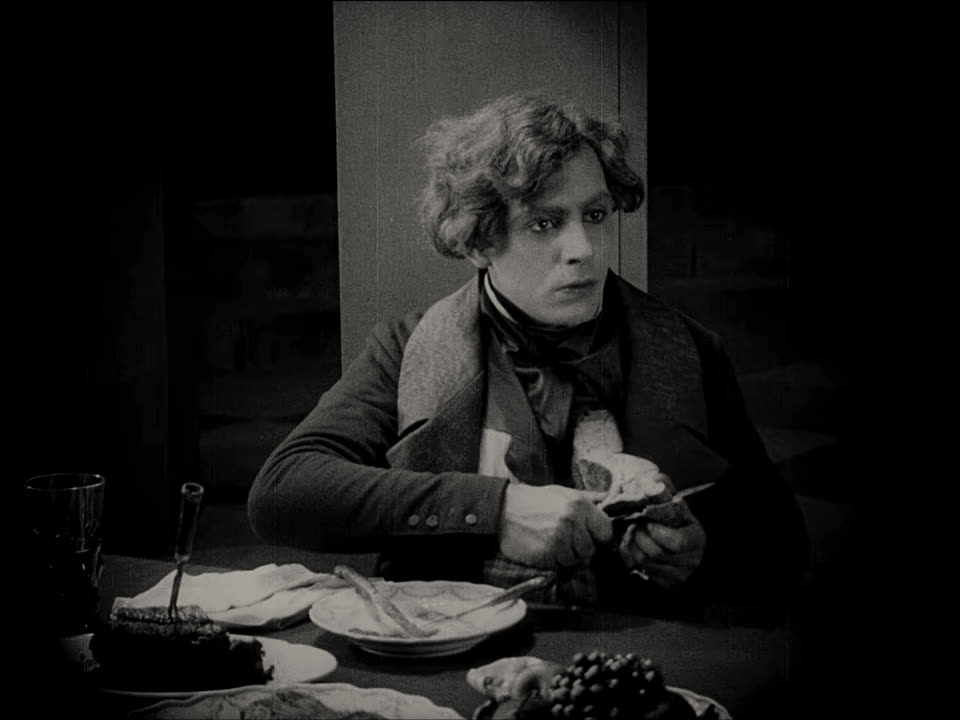
Stills: Nosferatu, F. W. Murnau, 1922. Public domain.
From stills to a sheet
-
First, drop in your stills.
Drag a folder’s worth onto the page, or pick them in a dialog. PNG, JPG and WEBP all work.
Drag photos here or click
PNG, JPG, WEBP supported
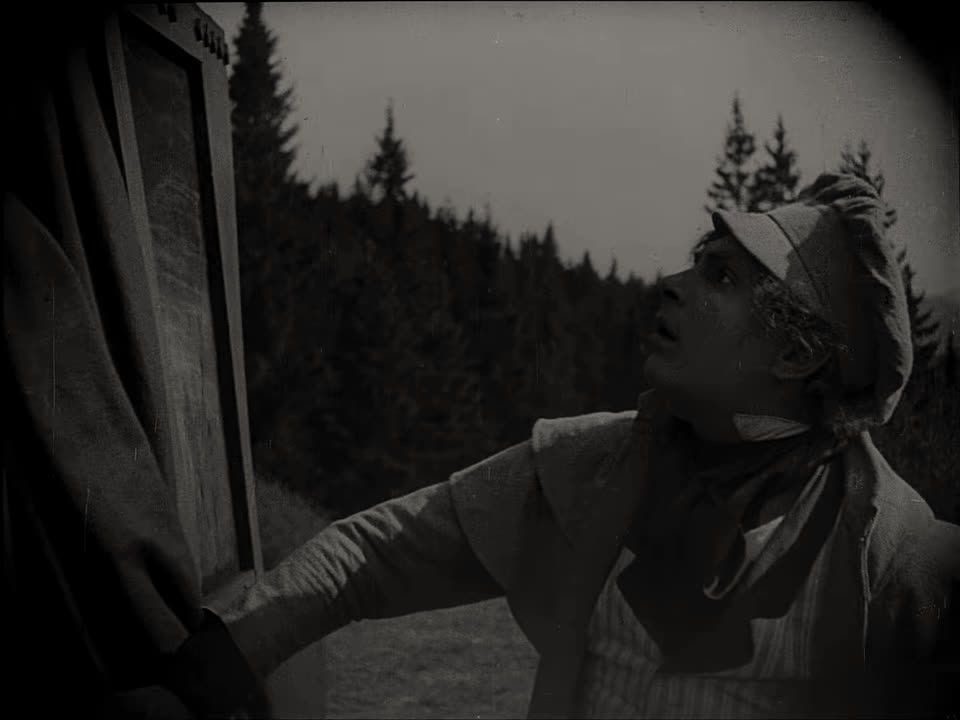 coach-door.jpg
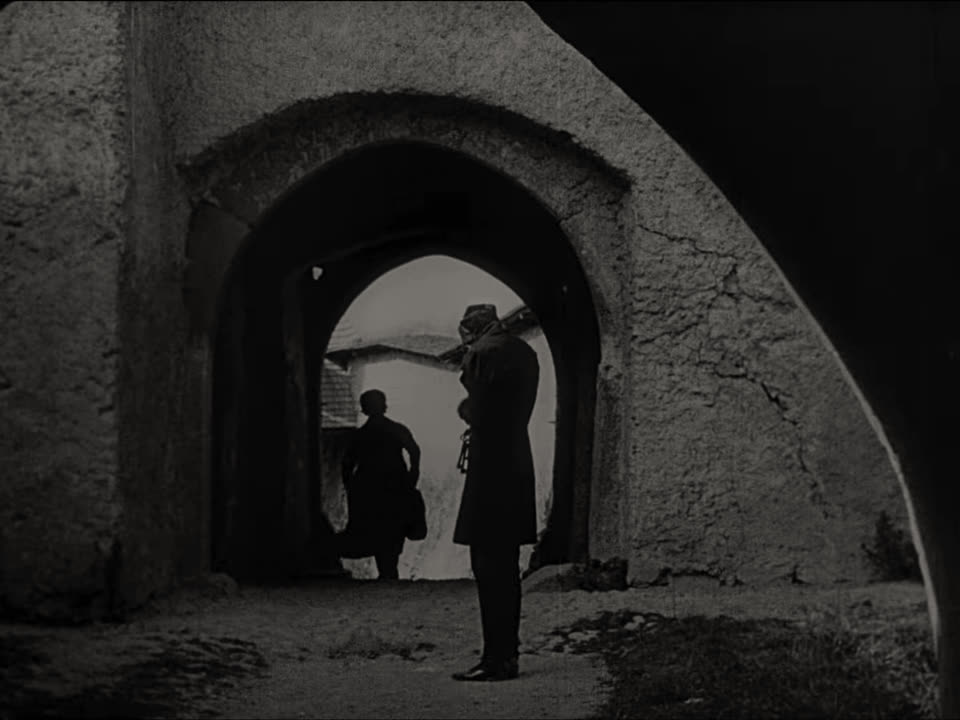 gate-arch.jpg
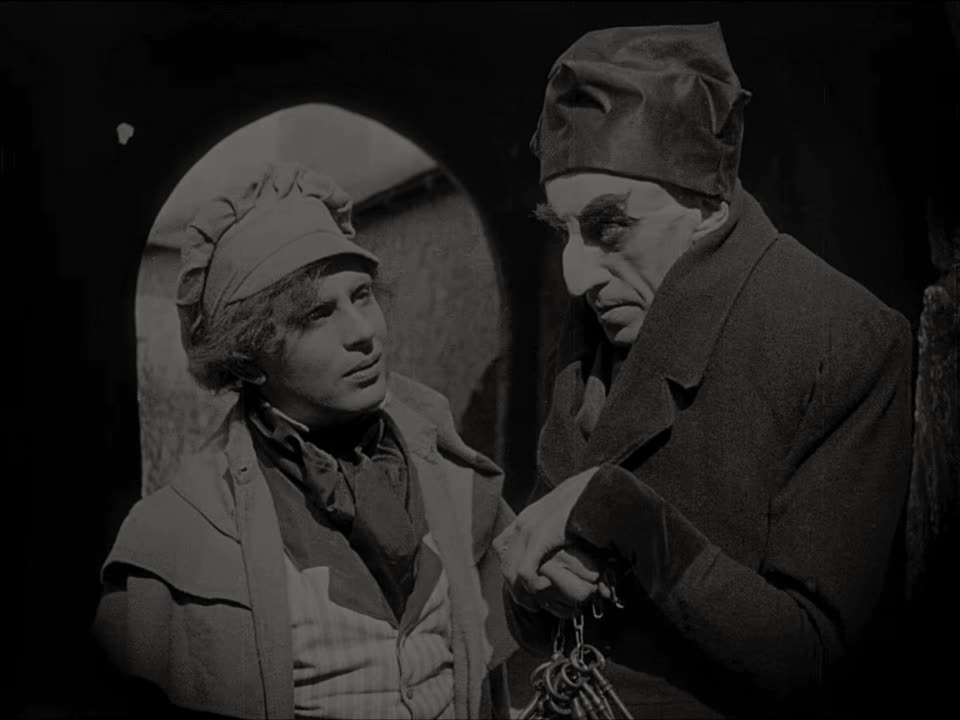 two-shot.jpg
-
Then put them in order and write the notes.
Move a scene left or right, rename it, and write down what happens in the shot.
Scene 4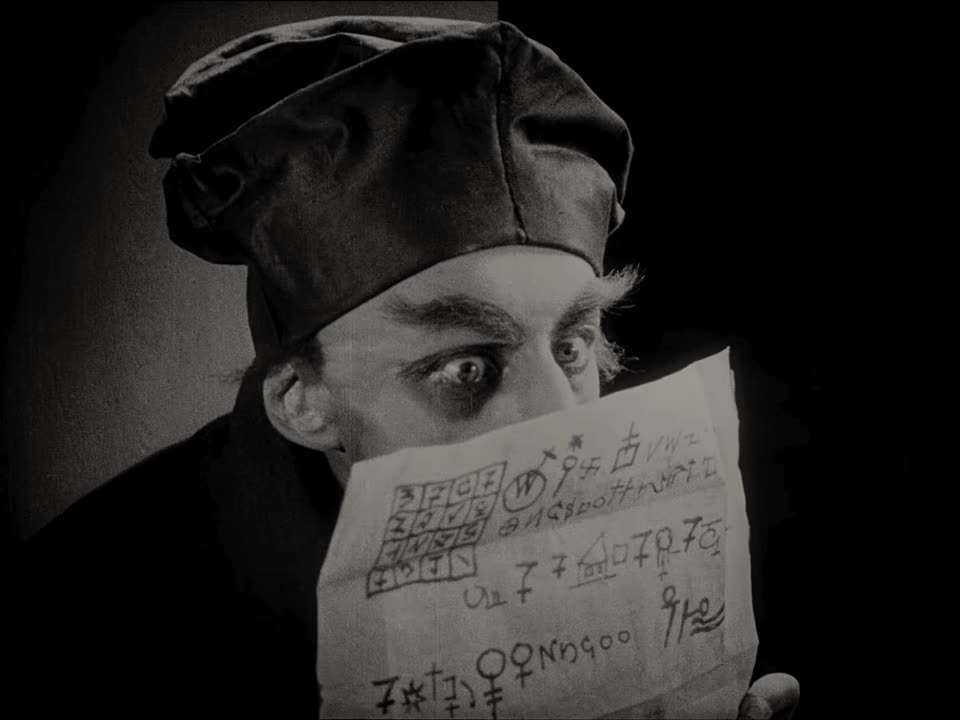 Scene 5
 Scene 6
 Insert. The clock strikes midnight.
 -
Then save the sheet.
Name the file, pick the quality, download. Below is the PNG it saved from the six stills at the top of this page.
Download as PNG
File namenosferatu-castleHighMediumLowCancelDownload
Your stills never leave this tab.
- There is no account to make and nothing to sign in to.
- Your browser reads the images. They are never sent to a server.
- Once the app is open, it keeps working without a connection.
- Only your language, theme and last file name are remembered, in your own browser.
What the toolbar does
-
Two, three or four columns
Change the grid whenever you like. The export follows the layout you see.
-
Three export sizes
High saves at twice the size you see on screen, Medium at 1.25 times, Low at screen size.
Download as PNG
Choose output resolution.
File namenosferatu-castleHighMediumLowCancelDownload -
Your colours on the sheet
Set the background and the scene title colour on the wheel, or type a hex code.
BackgroundTitle#9D98CAScene 1 -
PNG or PDF
One image for chats and decks, or a one-page PDF for print and email.
Save as PDF Save as PNG
-
Swap a still, keep the note
Replace the picture in any scene. Its title and note stay where they are.
-
Turkish or English, light or dark
Switch the language and the theme without losing your work.
ENTRSahne 1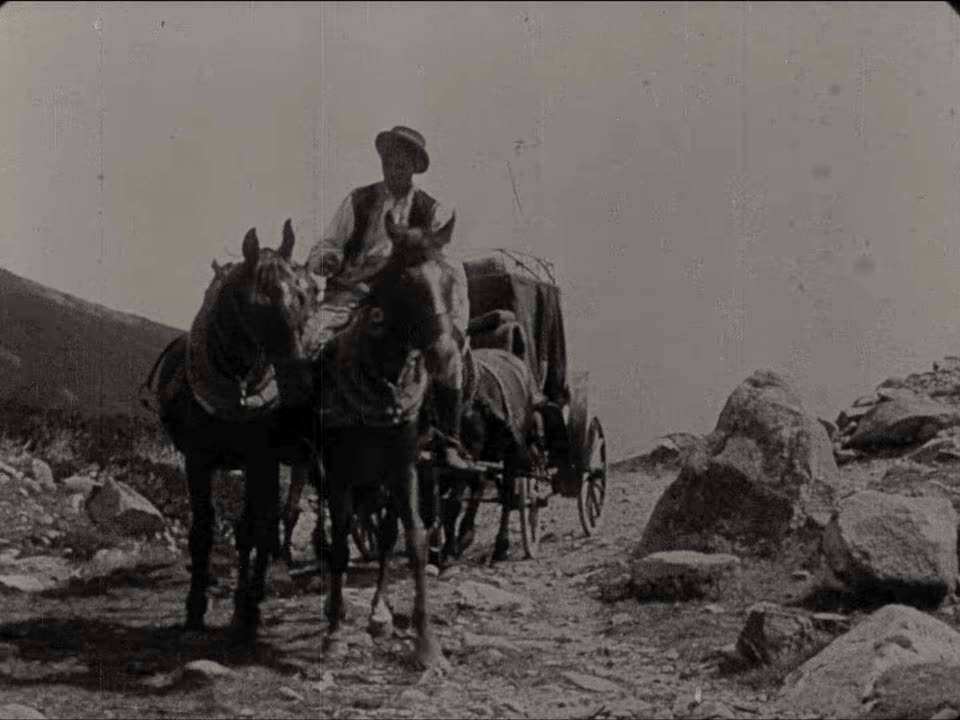
Start with
one still.
The app opens on an empty sheet. Drop your stills on it; they stay on your computer.